
GoRead.pk: an app for interactive story reading and volunteer management
Completed March 2018
Overview
GoRead.pk is a community app for story reading and volunteer management. The goal was to enable fluid story reading sessions between volunteers and children in government schools.
Roles and responsibilities
- – User research (qualitative and quantitative)
- – Requirement gathering
- – Data analysis and ideation
- – Wireframing
- – Visual design
- – High fidelity prototyping
Tools
Sketch, InVision

Problem
Many public schools in Pakistan lack engagement based courses that foster creativity and cognitive development.
Idea
- – Build a story reading app that helps and engages volunteers to visit these schools, read stories to children and engage with them
- – Establish a feedback system that eventually contributes to a framework for how volunteers interact with children
The process
 User research
 Ideation
 Visual design
User research
- – We conducted a general survey with convenience sampling
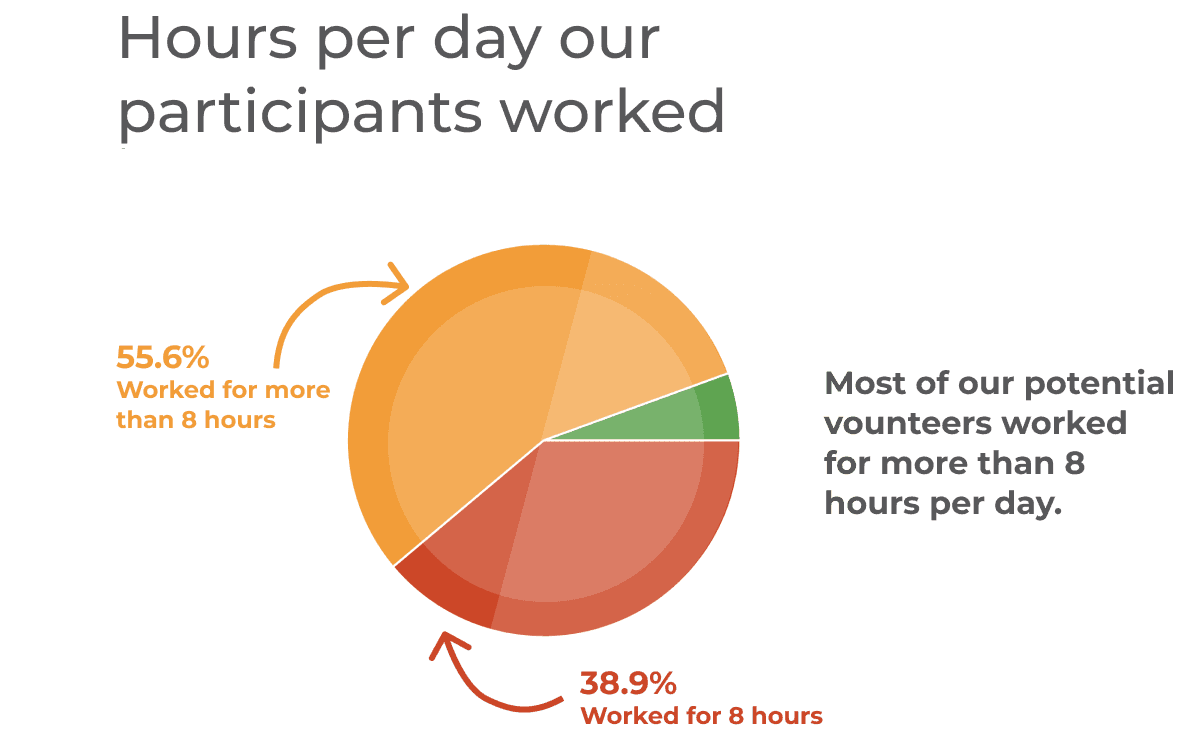
- – We targeted full time office workers who were passionate about volunteering
- – We also held in-depth semi-structured interviews with three survey respondents
Personas
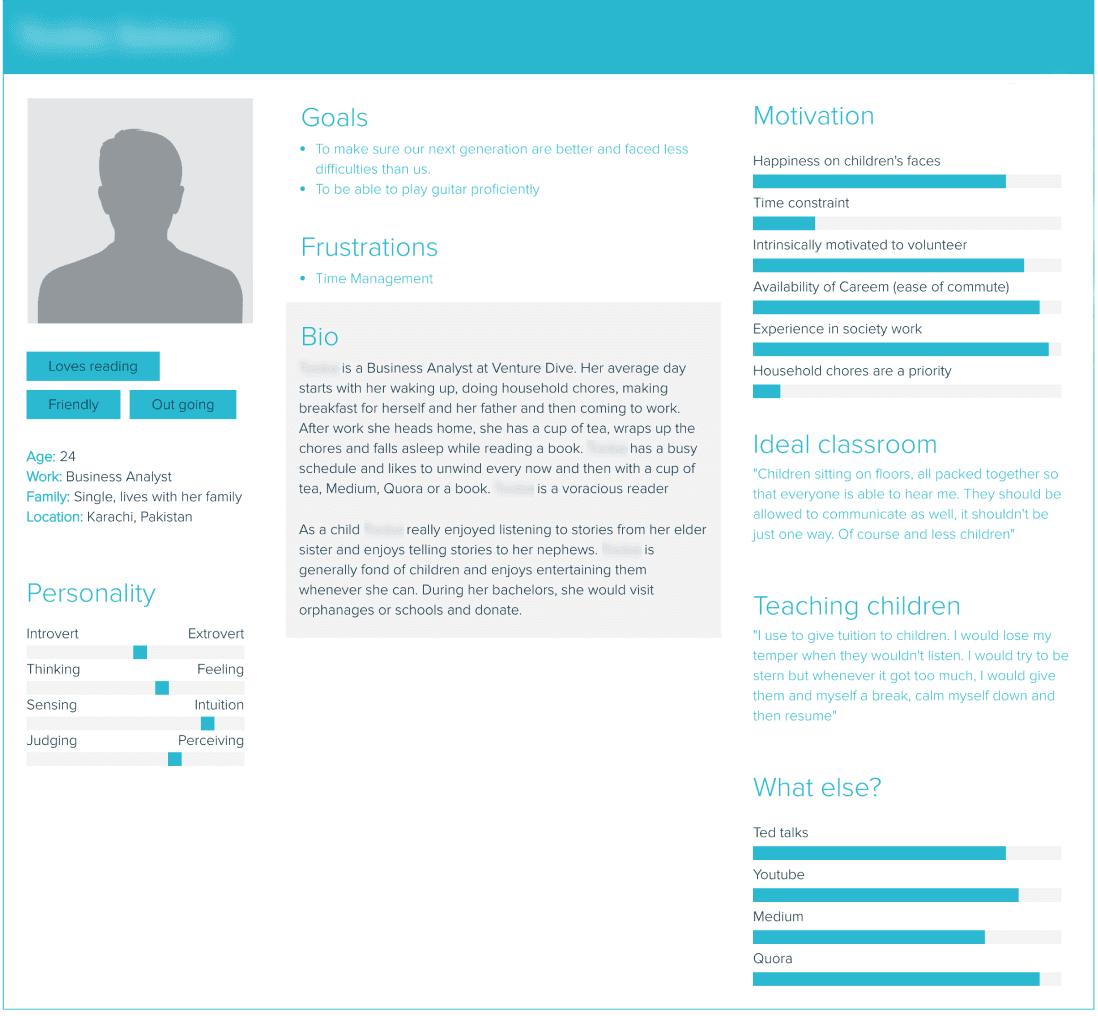
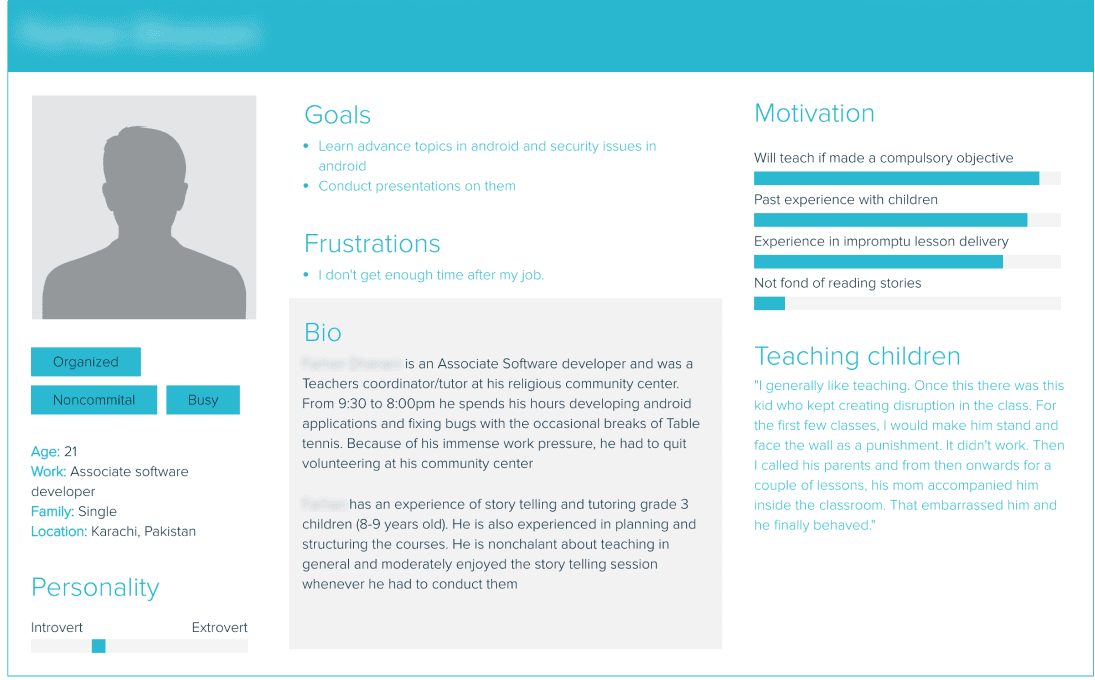
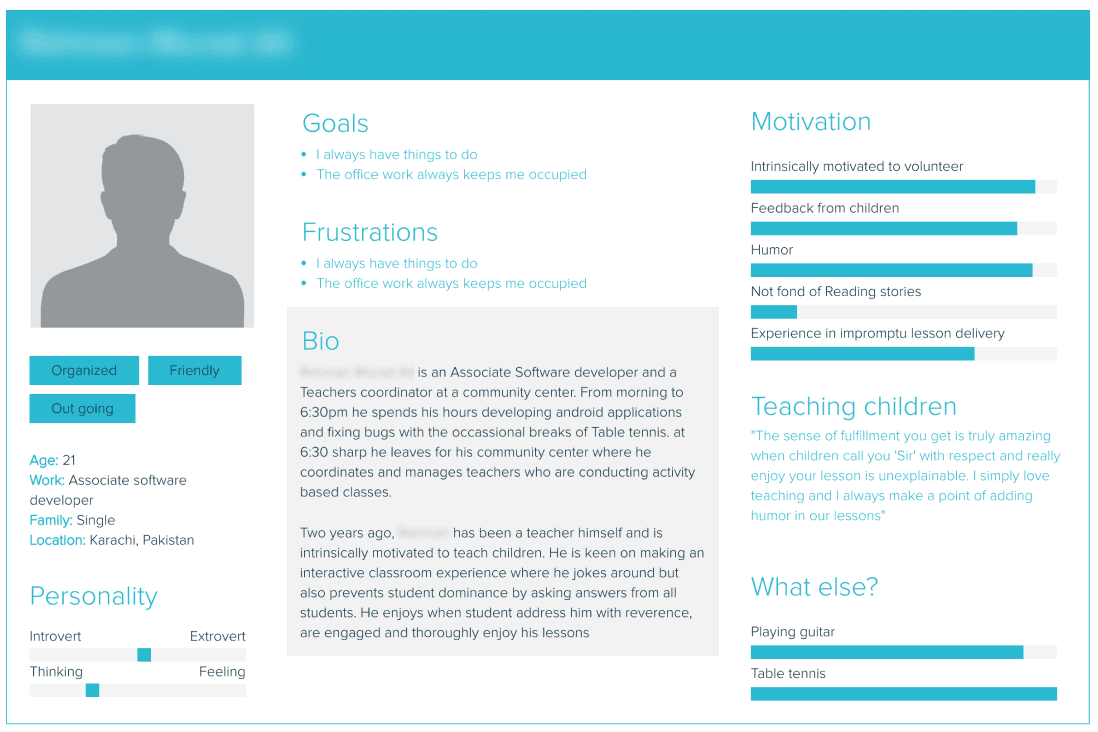
Based on our survey data and interviews, we created three personas and empathy maps.
Empathy mapping
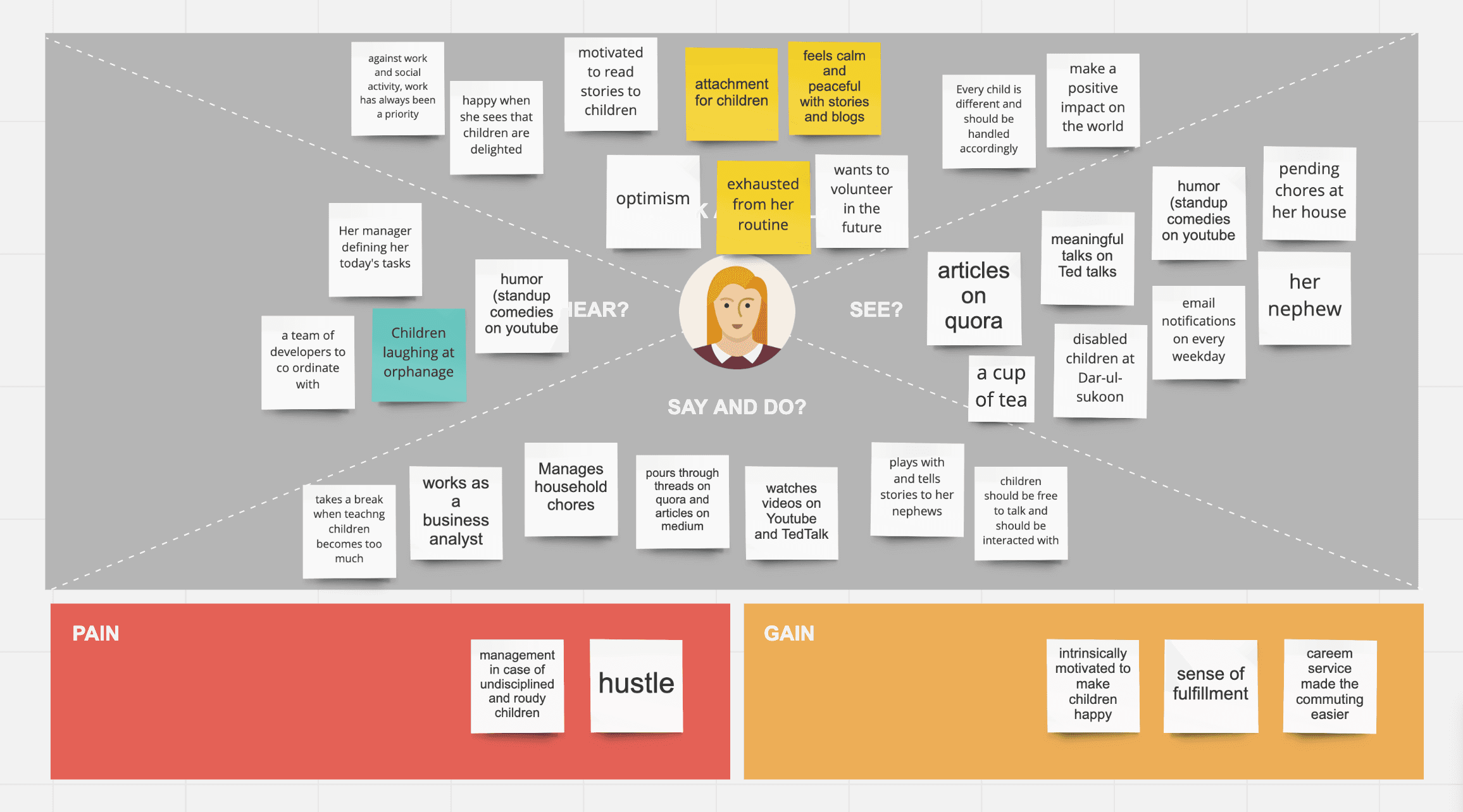
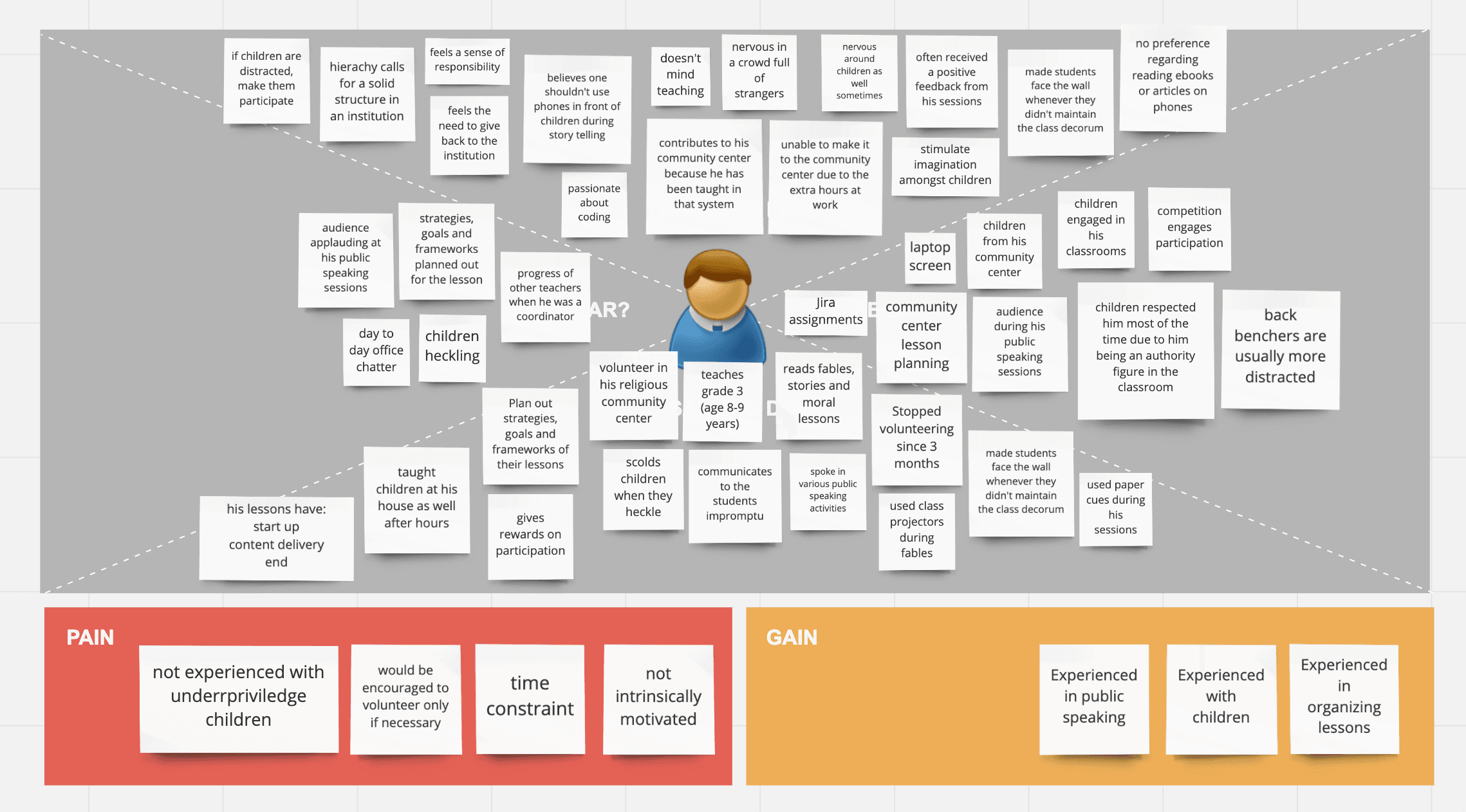
Takeaways from the personas and empathy maps
- Persona 1
- – Loves reading and interacting with children
- – All about positive impact in this world
- – Loves humour and interaction
- Persona 2
- – Has a sense of duty to teach
- – Spontaneous and doesn’t like reading
- – Believes in preparation
- – Prefers engagement
- – Enjoys attention
- Persona 3
- – Sense of duty
- – Stage fright
- – Discourages phones around children and is a disciplinarian
- – Good at teaching and uses visual and physical cues
Findings
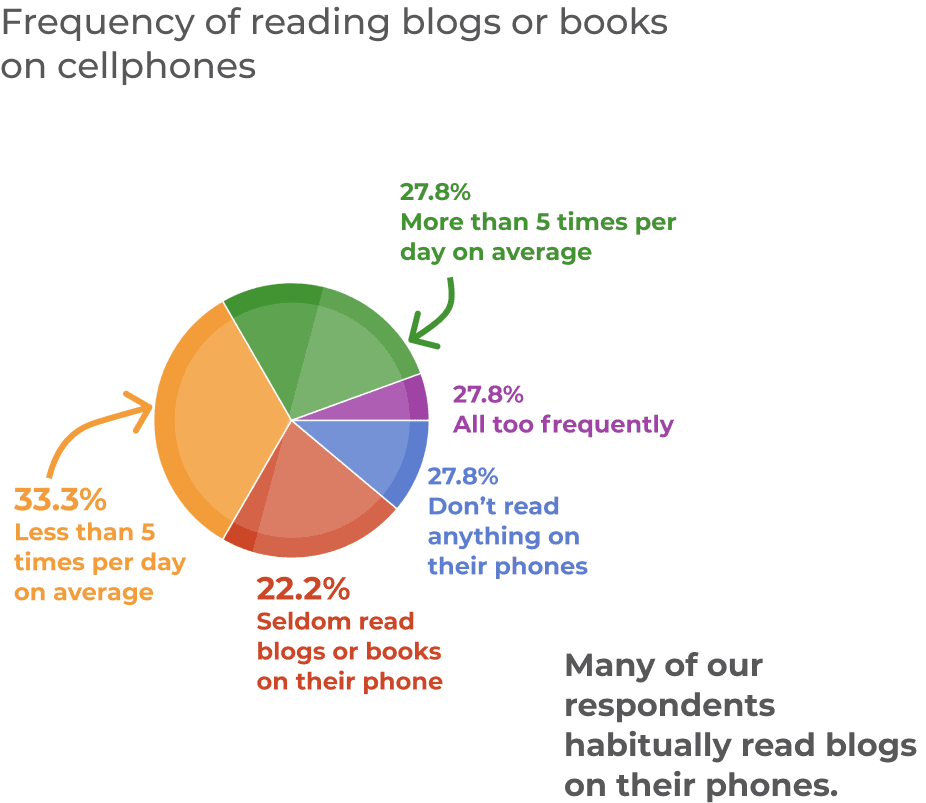
 Participants frequently read blogs and stories on their phones
 Volunteers were often intimidated by children
 Hustle and time constraints are the deterrents
 Volunteers were not motivated to travel a long distance to read stories
Ideation
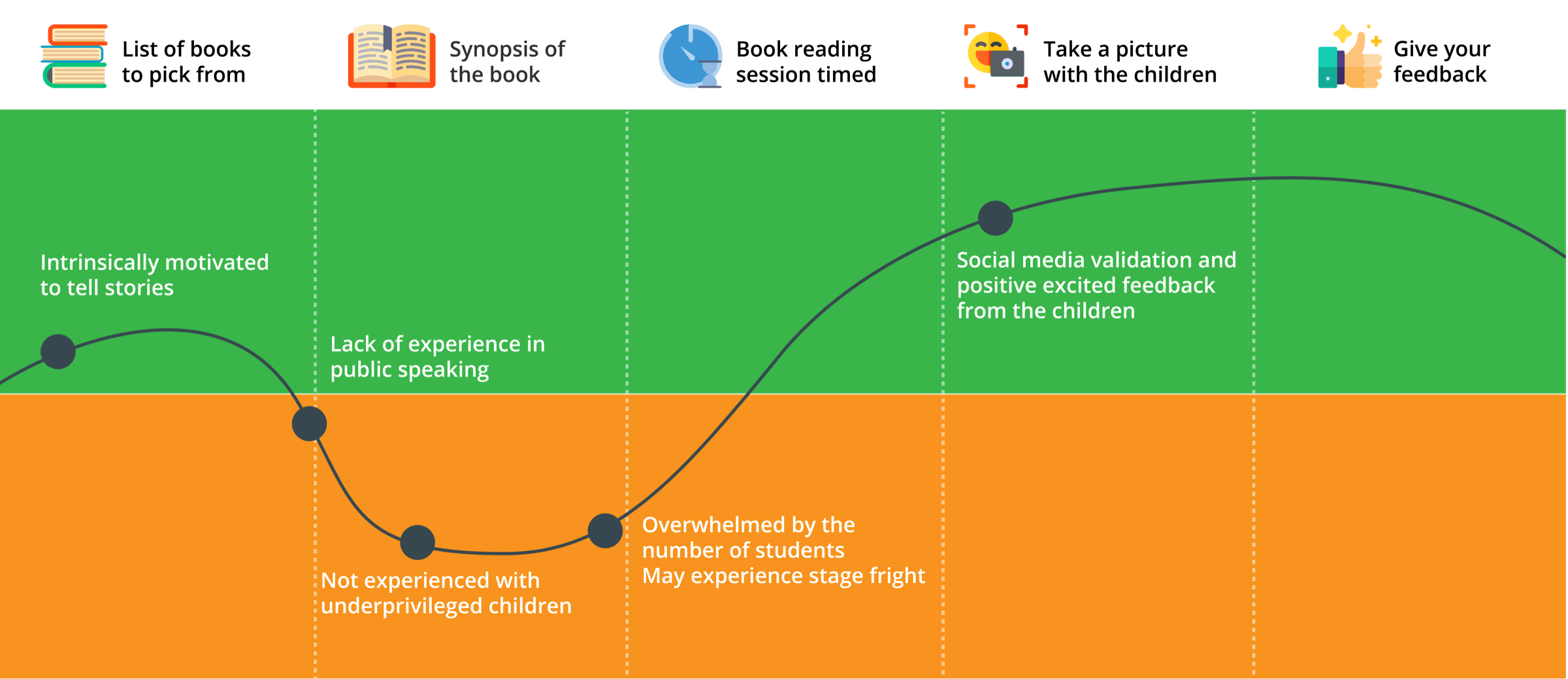
User journey
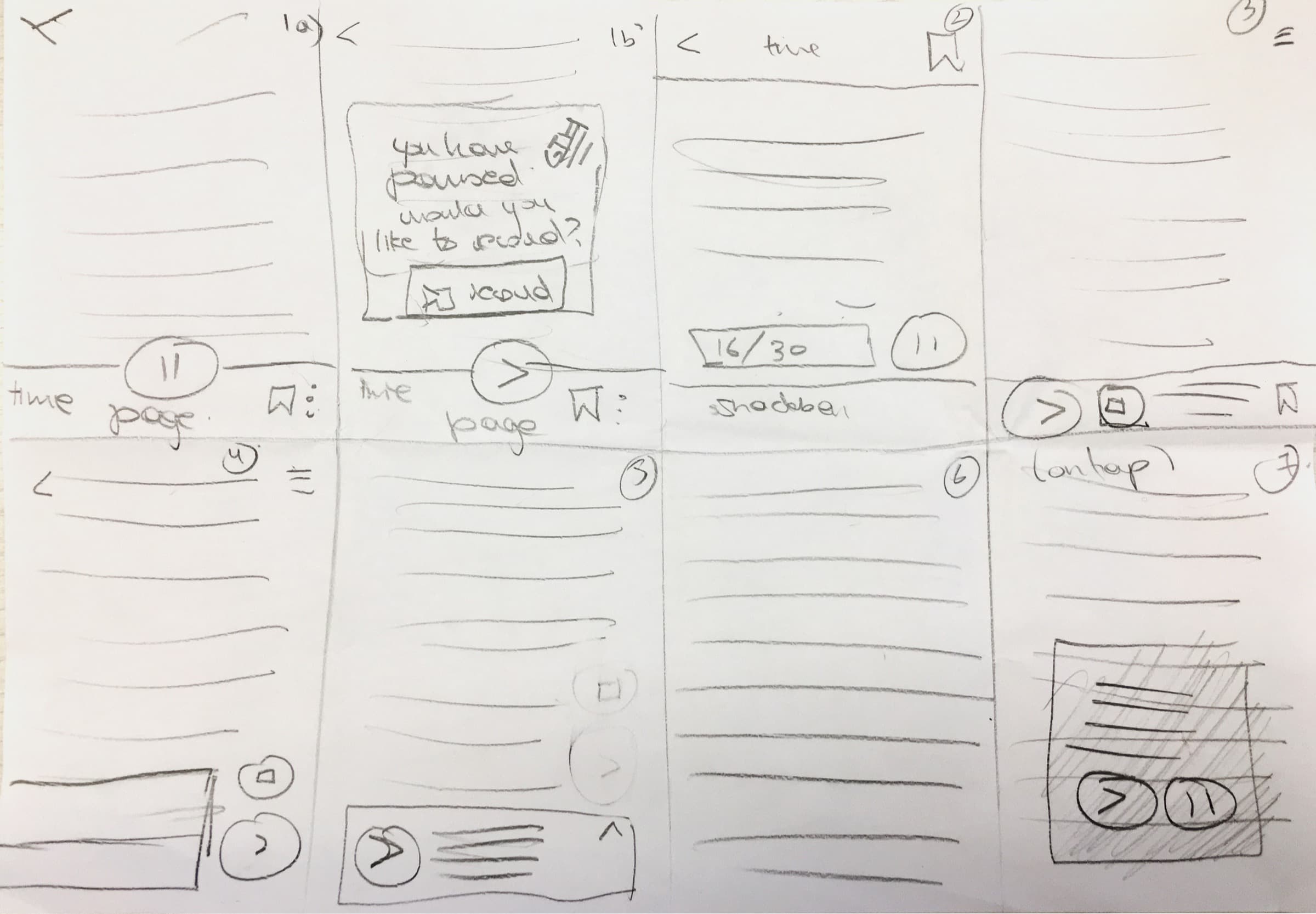
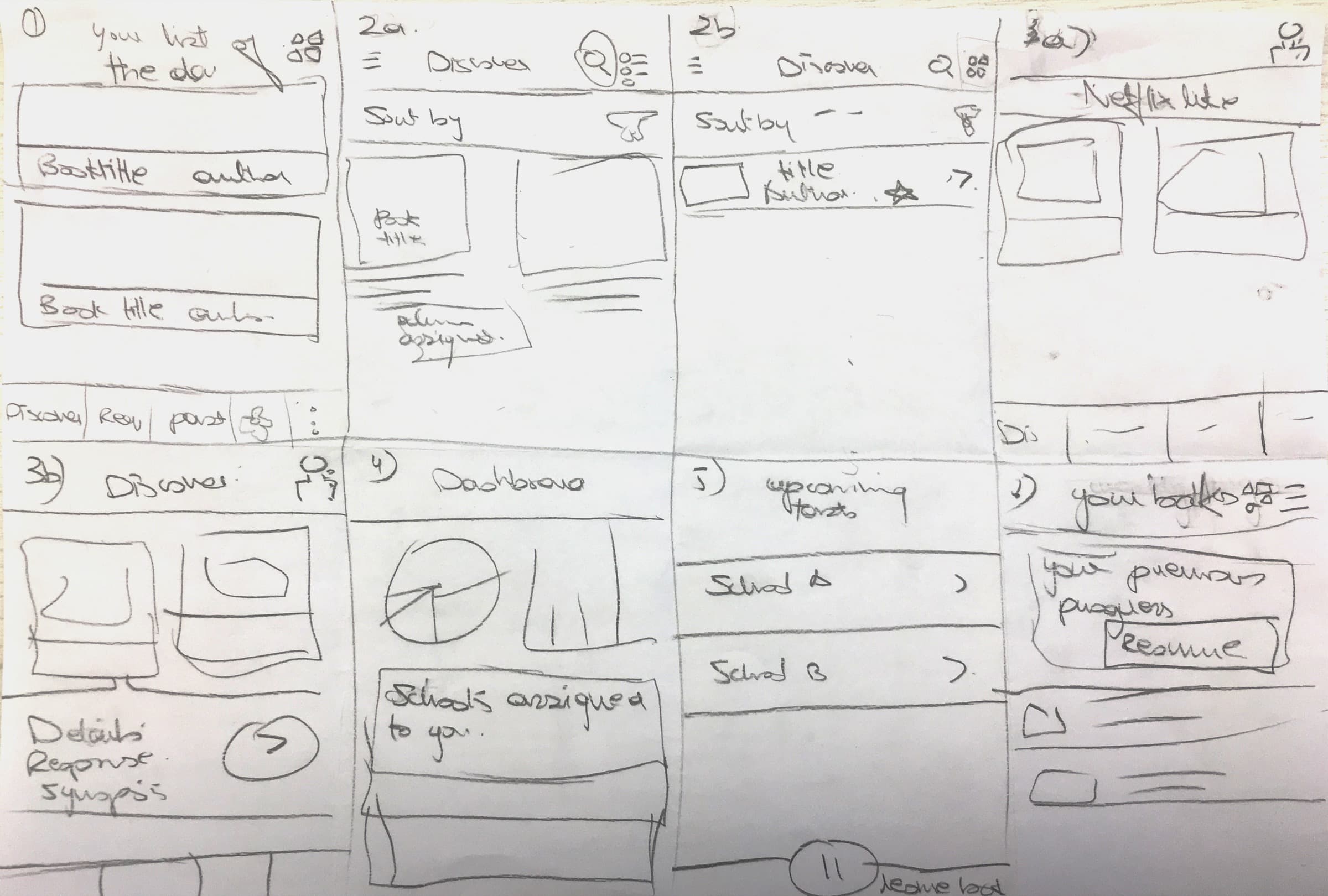
Crazy 8 sketching
We made Crazy 8 sketches to quickly ideate on the user flow and layout.
Low fidelity wireframes
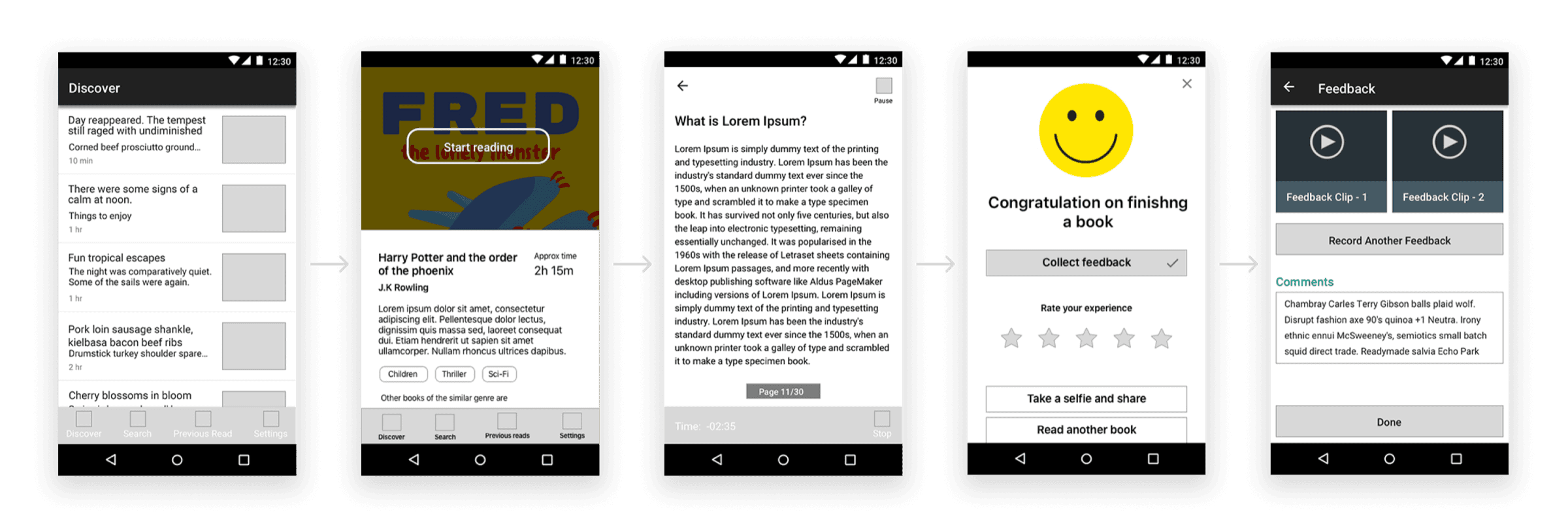
- 1. In Discover, the volunteer selects an ebook for the story reading session
- 2. After selecting a book, they can review its synopsis, genre and average reading time
- 3. The volunteer begins an hour long recorded story reading session. If the story runs over an hour, the session can be paused
- 4. Volunteers rate their own experience of the session and can take a selfie with the children (with consent)
- 5. After finishing a session, volunteers send feedback about it and suggest improvements
Visual design
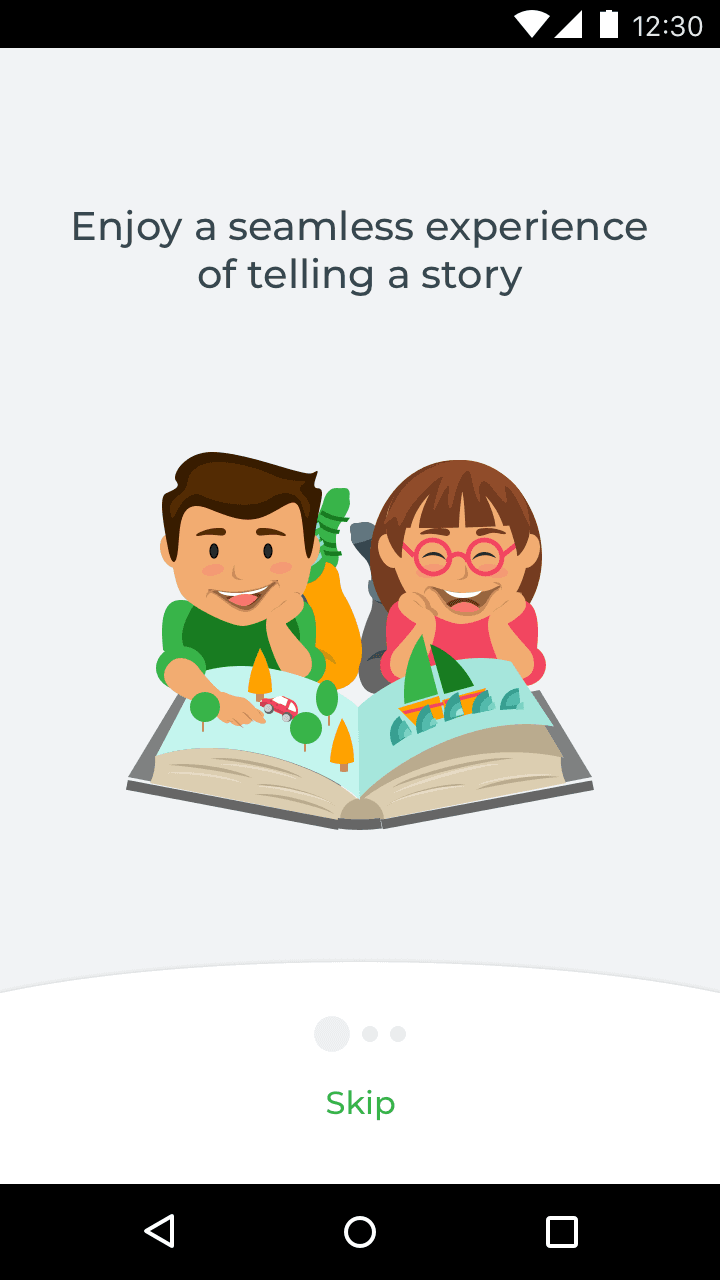
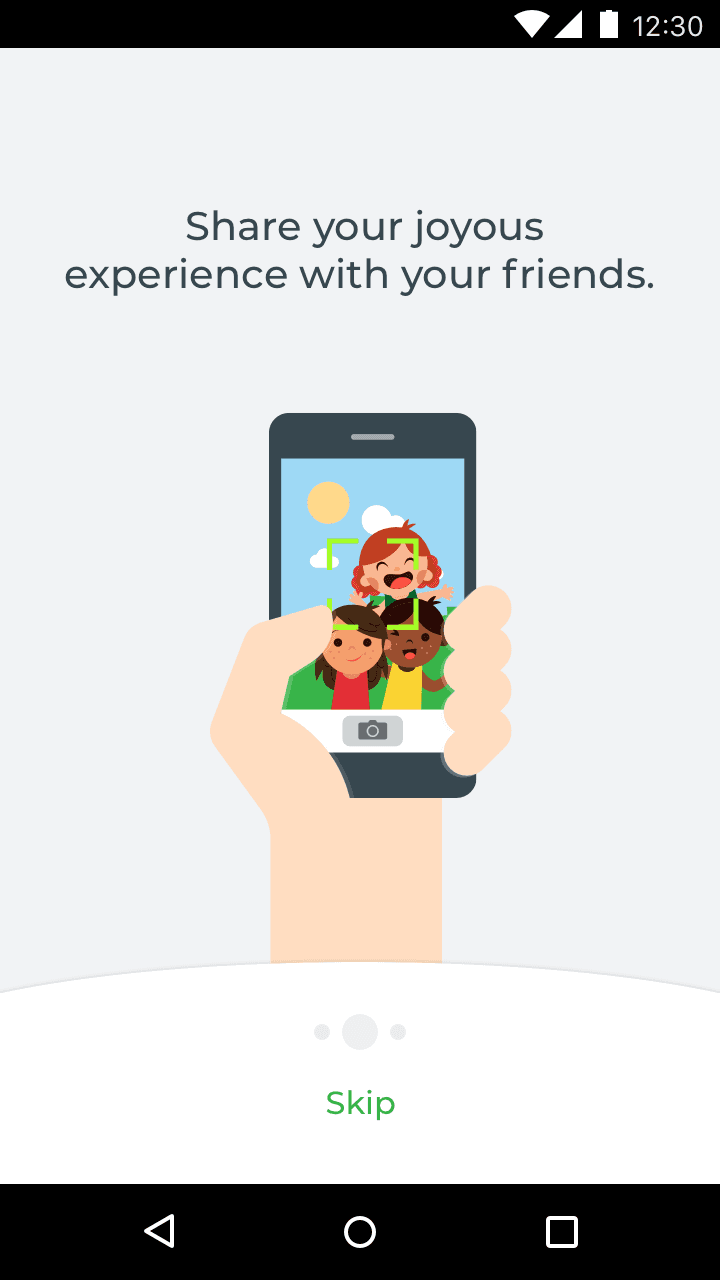
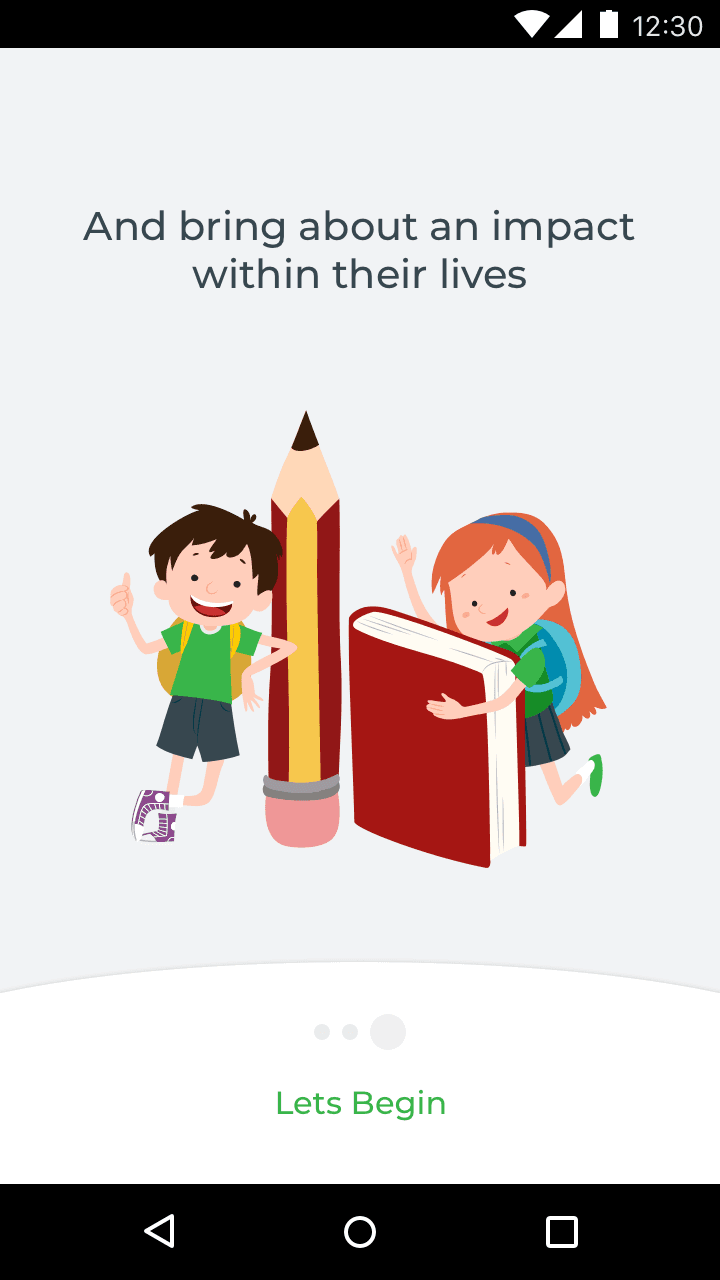
Product onboarding
Vibrant illustrations showcase the product features and give an overview of the app.
Discover
Our volunteers are passionate about reading stories to children, but they aren’t child psychologists or trained teachers. We needed a system with regular feedback to improve the reading experience for both children and volunteers.
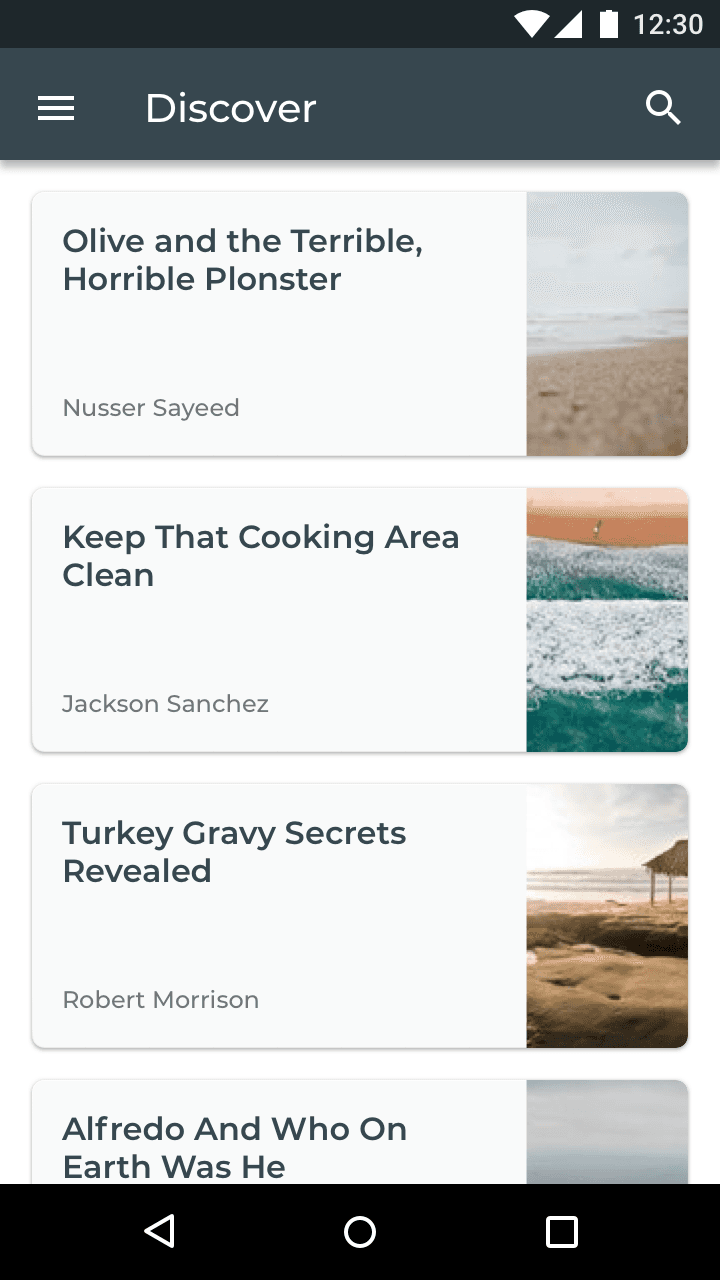
The idea was a digital story reading experience similar to reading a book. Because of the hustle, volunteers need an accessible way to hold a story reading session.
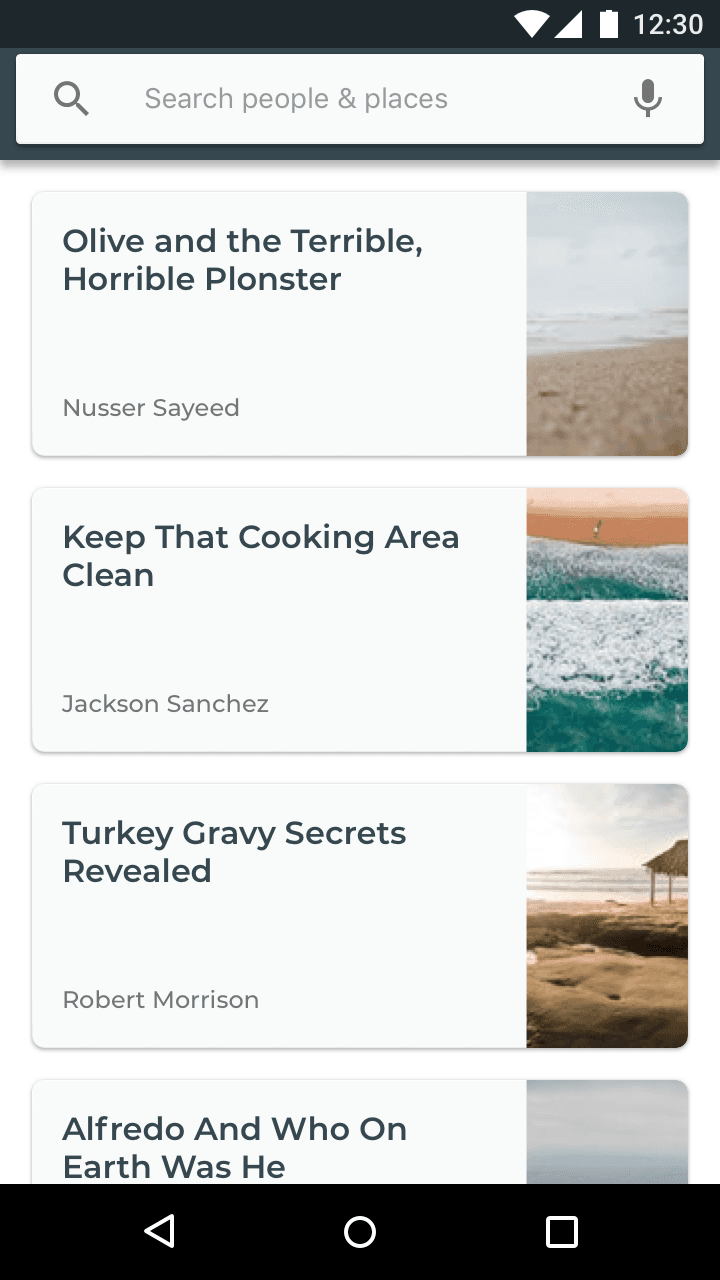
Step 1: under Discover, the volunteer selects a book to read
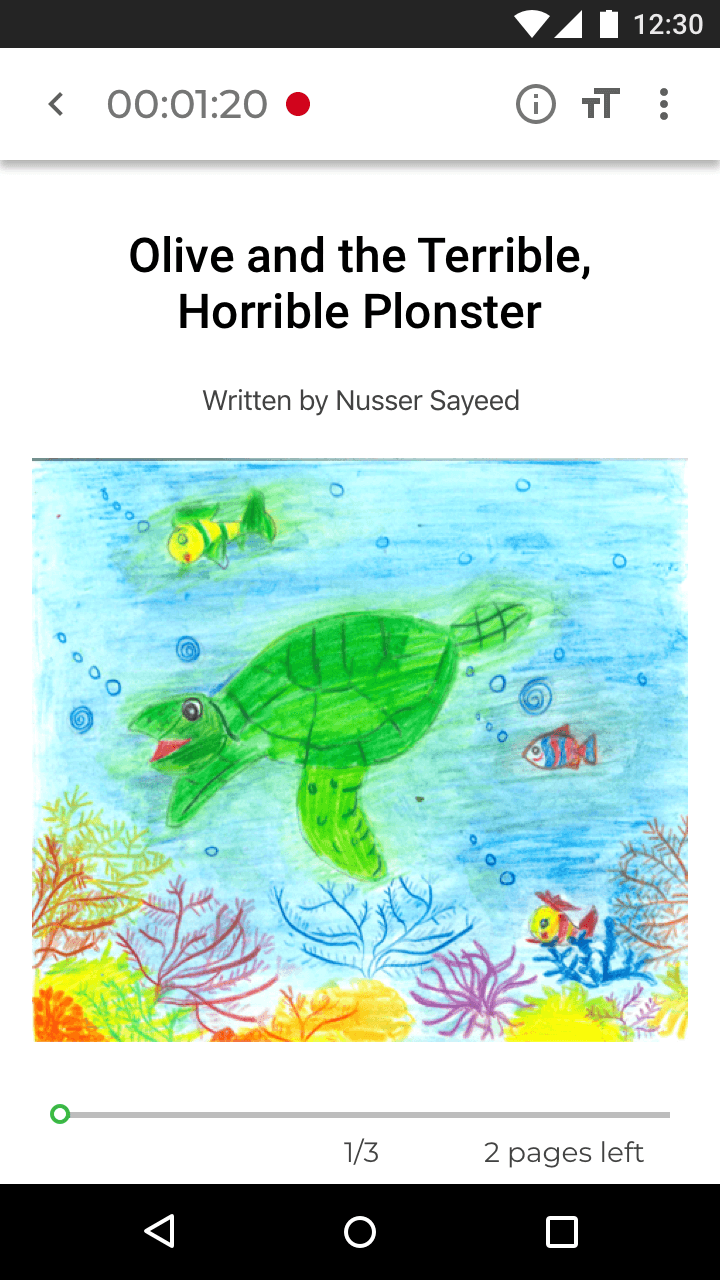
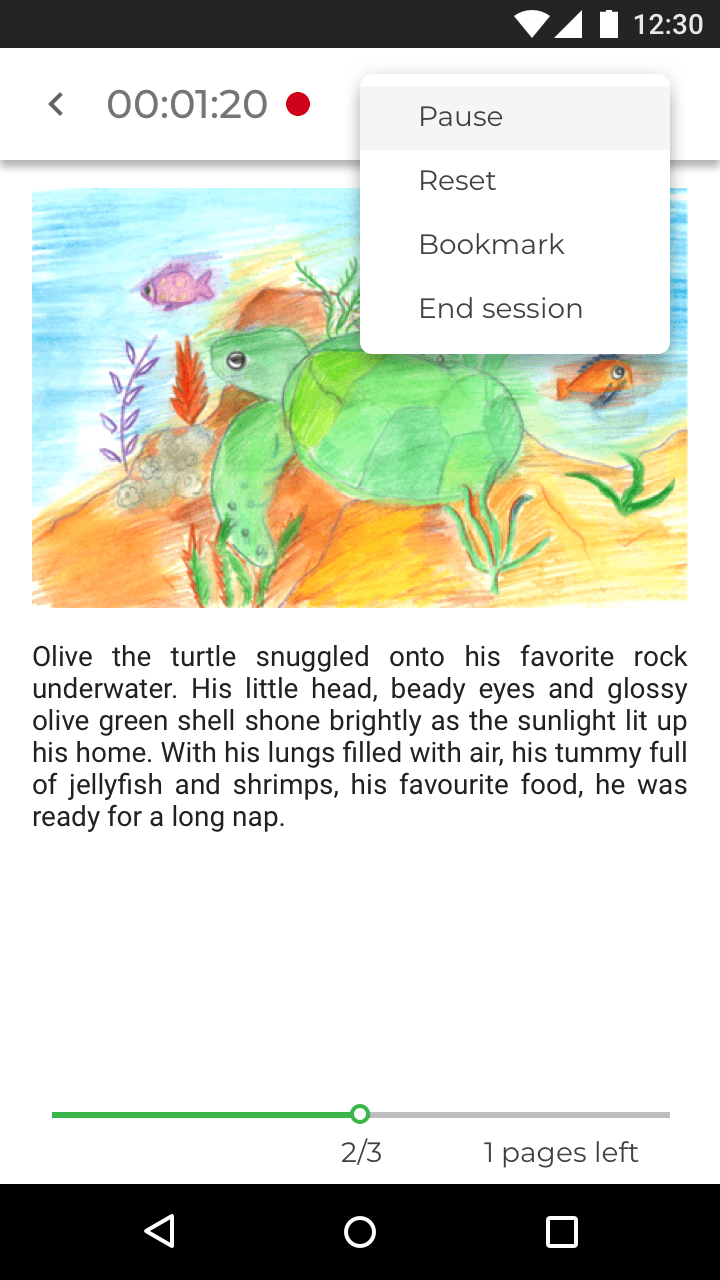
Pause and play story reading view
The app observes how volunteers deliver stories and interact with children, to gradually build a framework of interaction for children’s cognitive and behavioural development.
The ebook view resembles Apple Books. A familiar interaction helps users rely on recognition rather than recall.
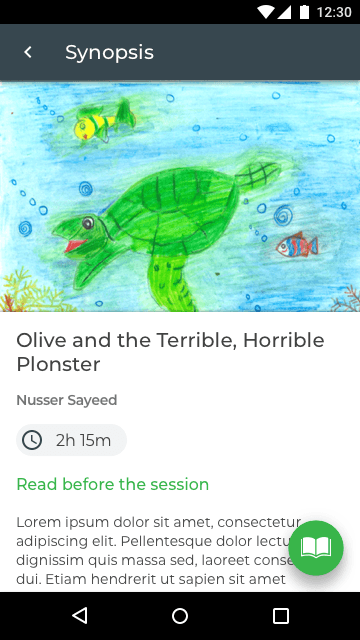
Step 2: the volunteer gets acquainted with the selection before beginning the session
After selecting a book, the volunteer can either read it before the session, or begin the session and improvise.
Step 3: the volunteer hits play and reads to the children
Sessions are recorded to observe how volunteers conduct them and to identify communication problems.
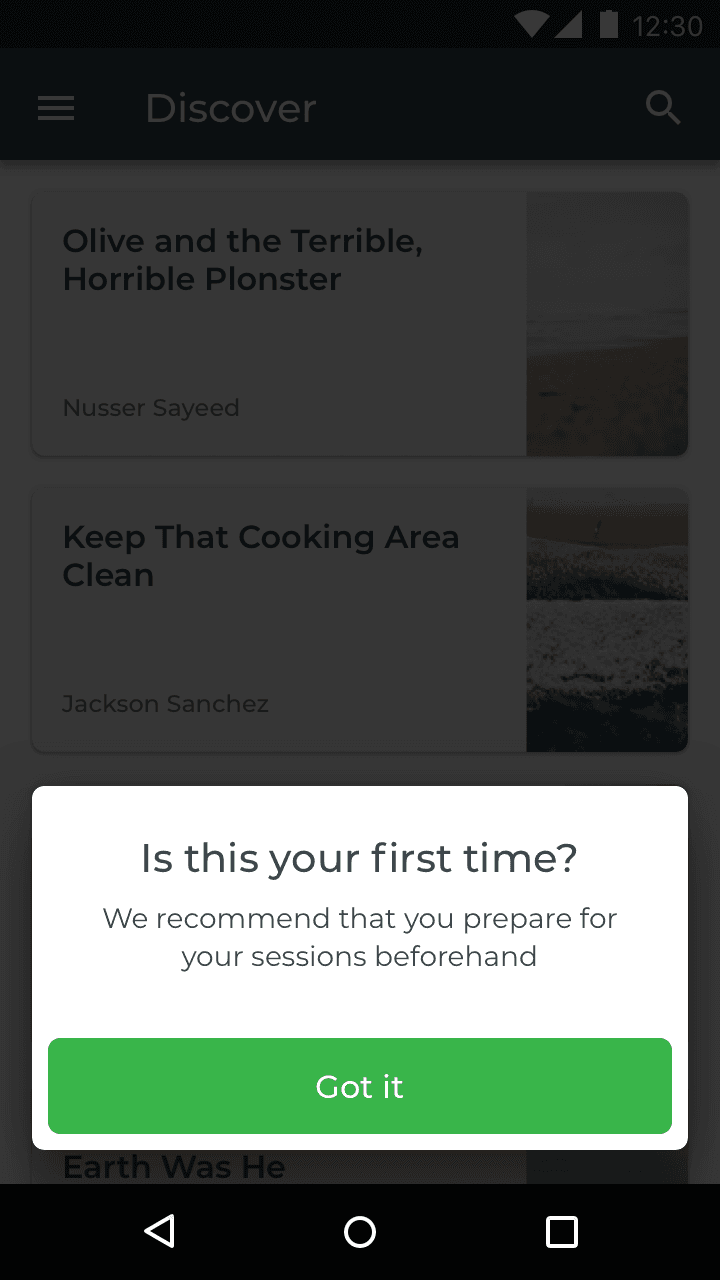
Feature onboarding
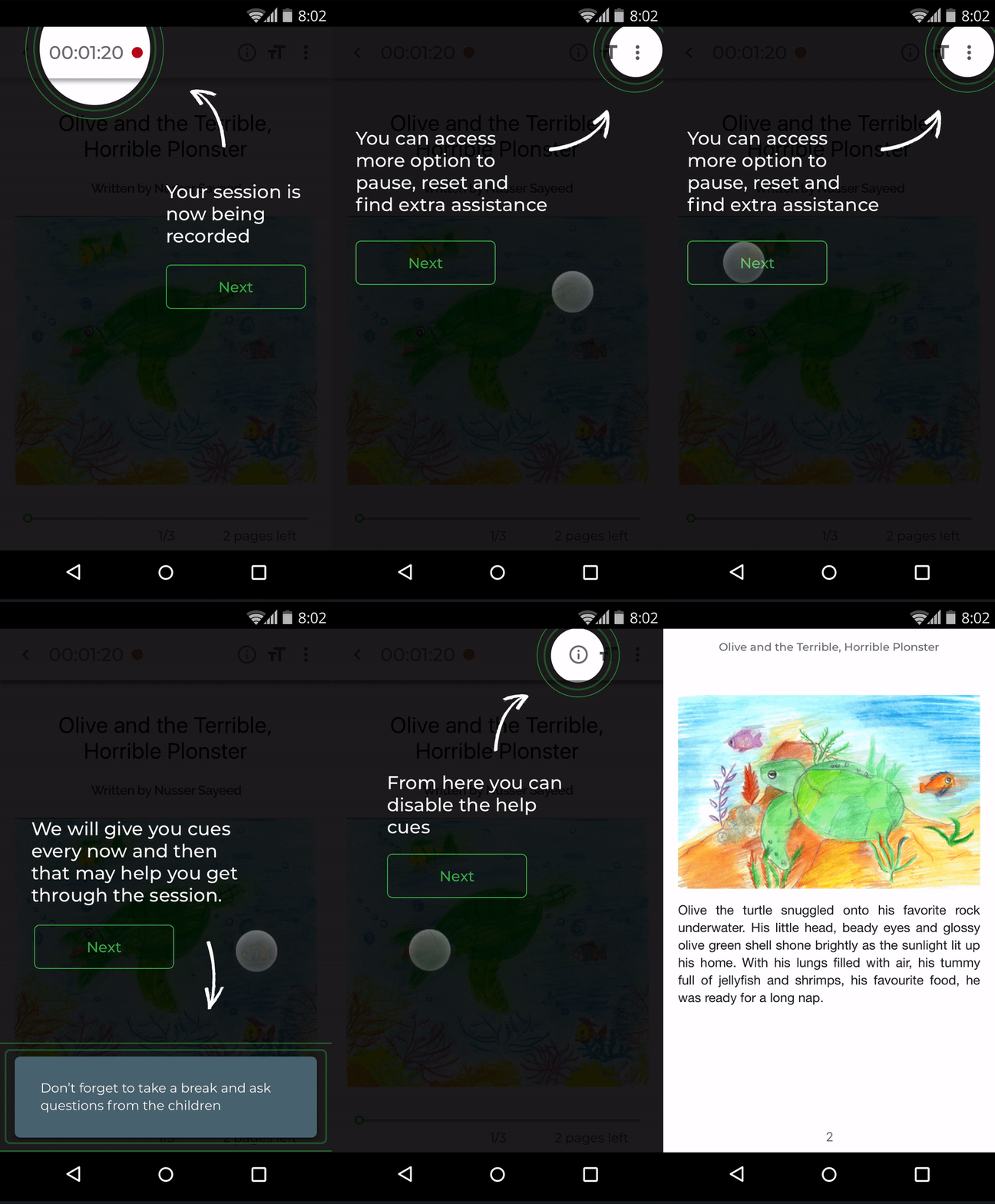
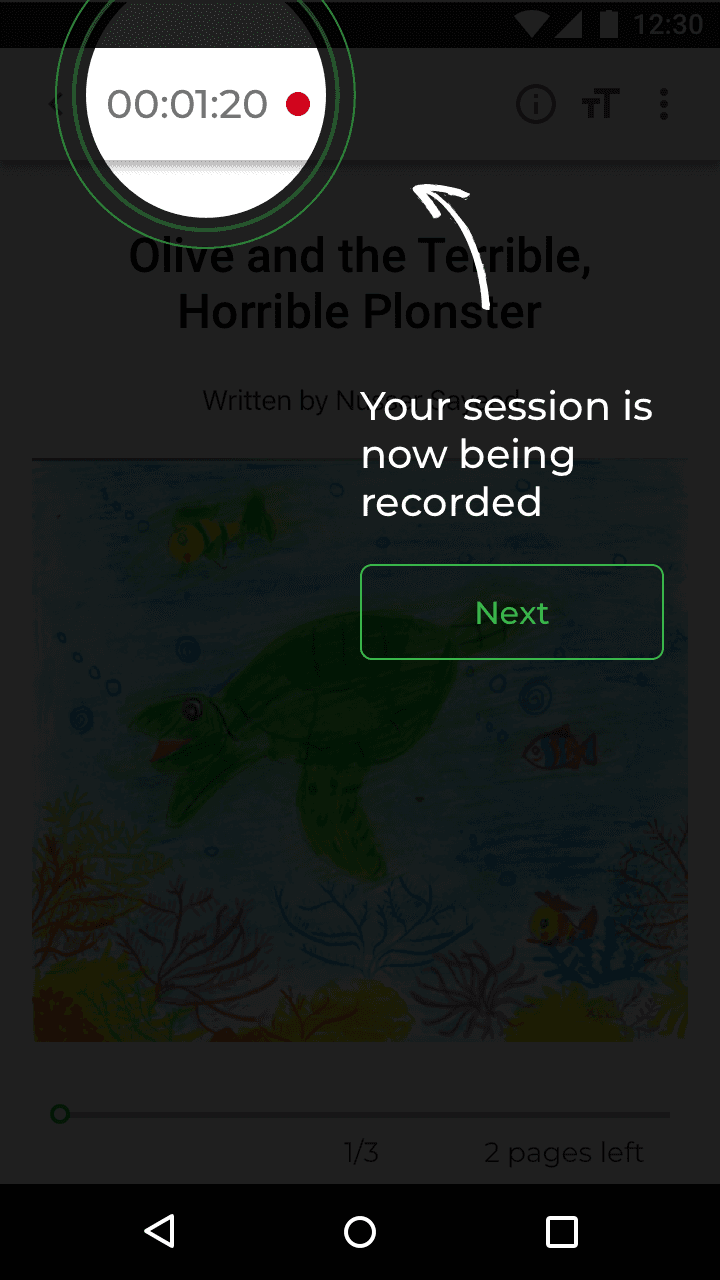
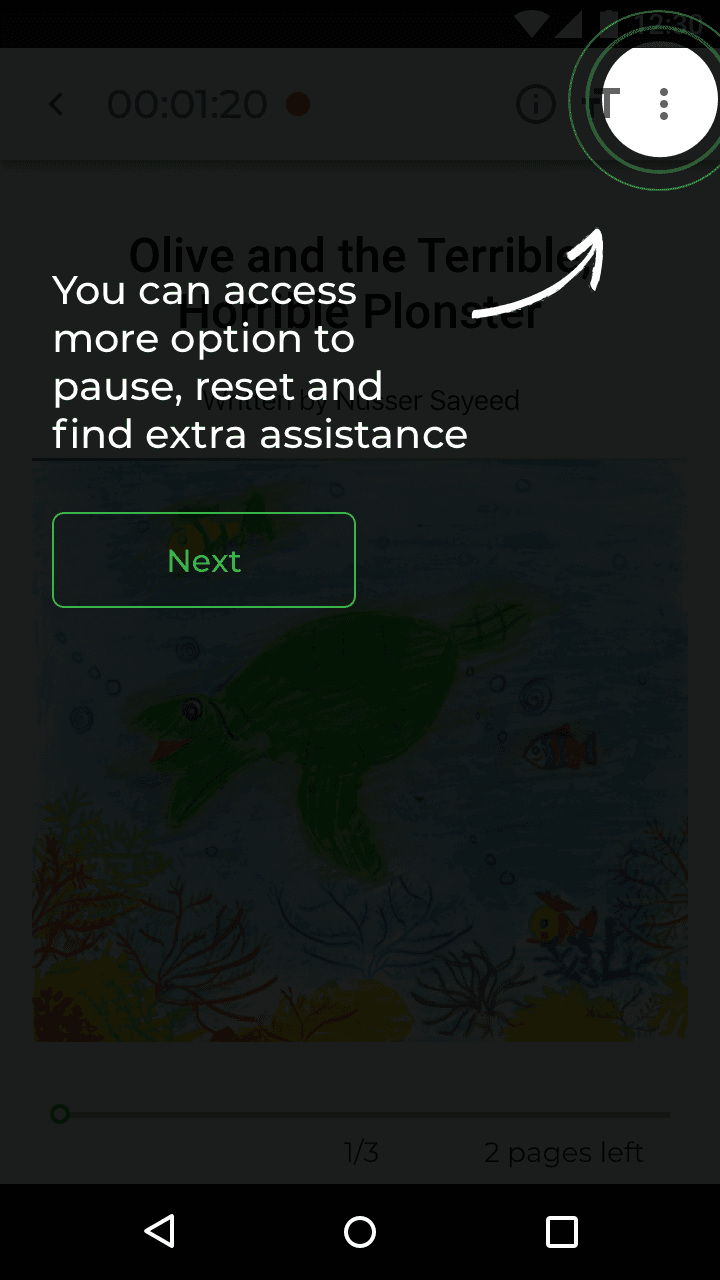
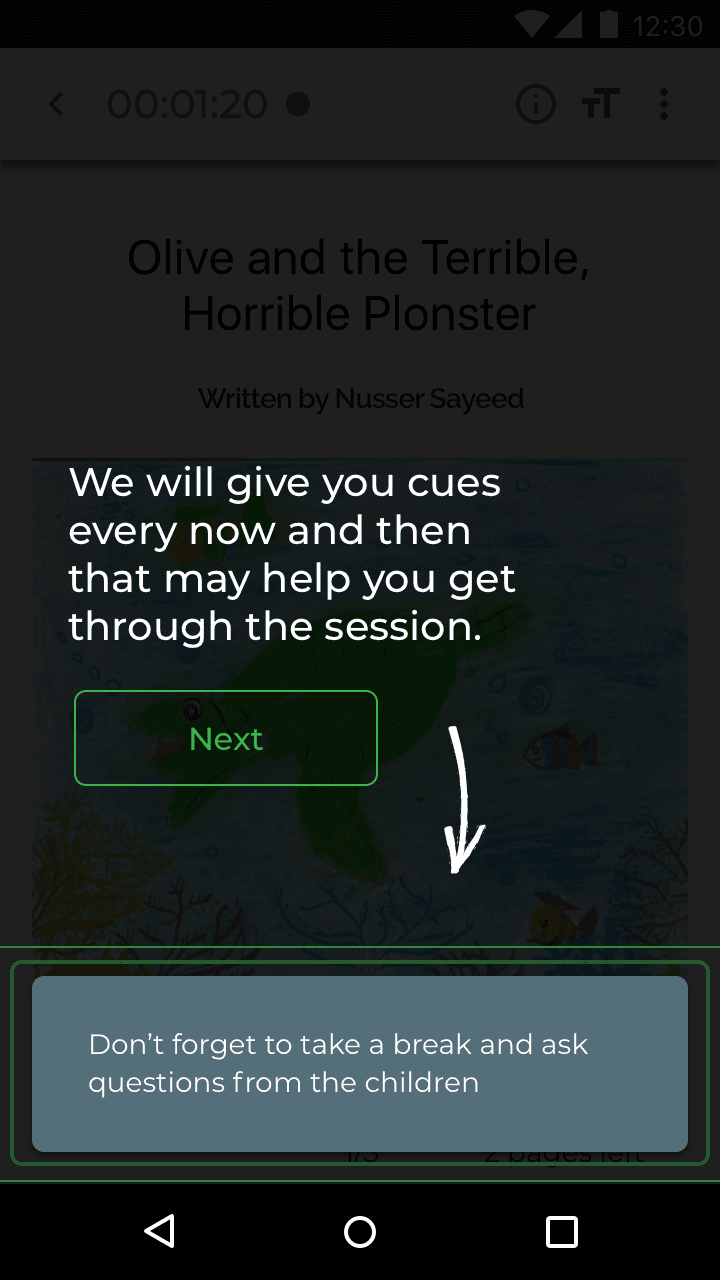
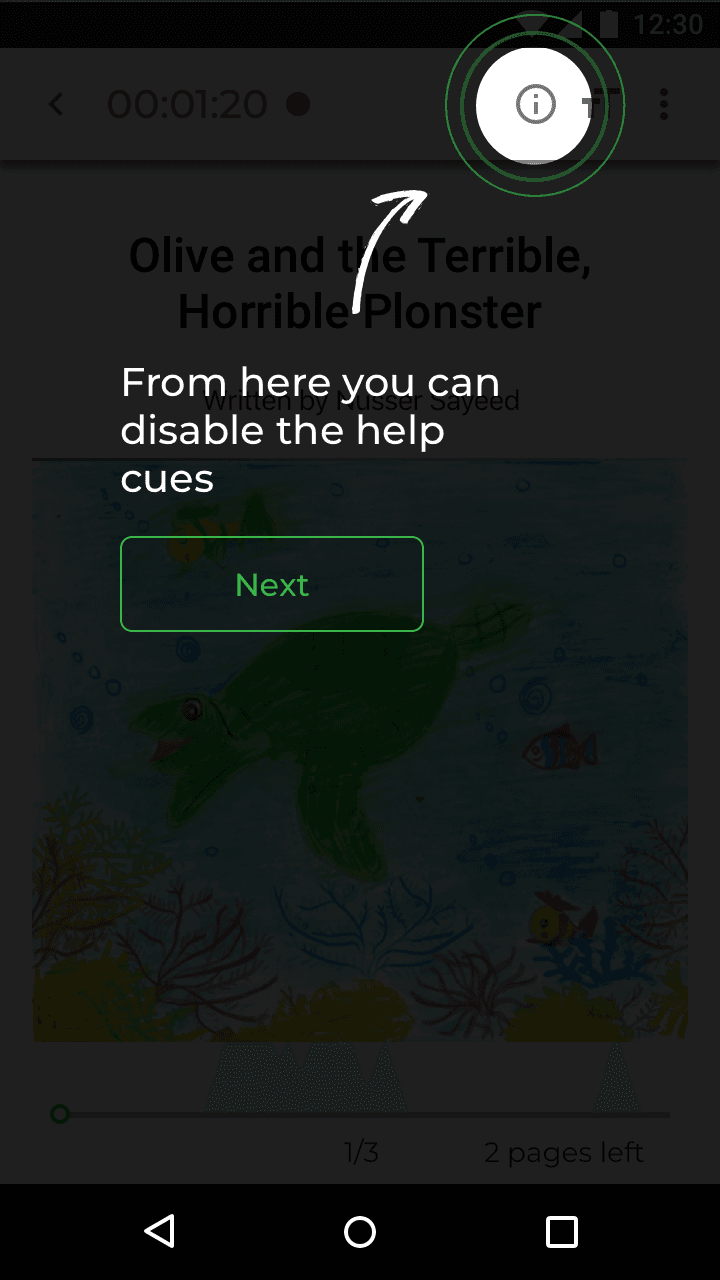
Feature onboarding tells first time volunteers about pause and play, and about the snack box that appears mid-session prompting them to take a break or interact.
Session feedback
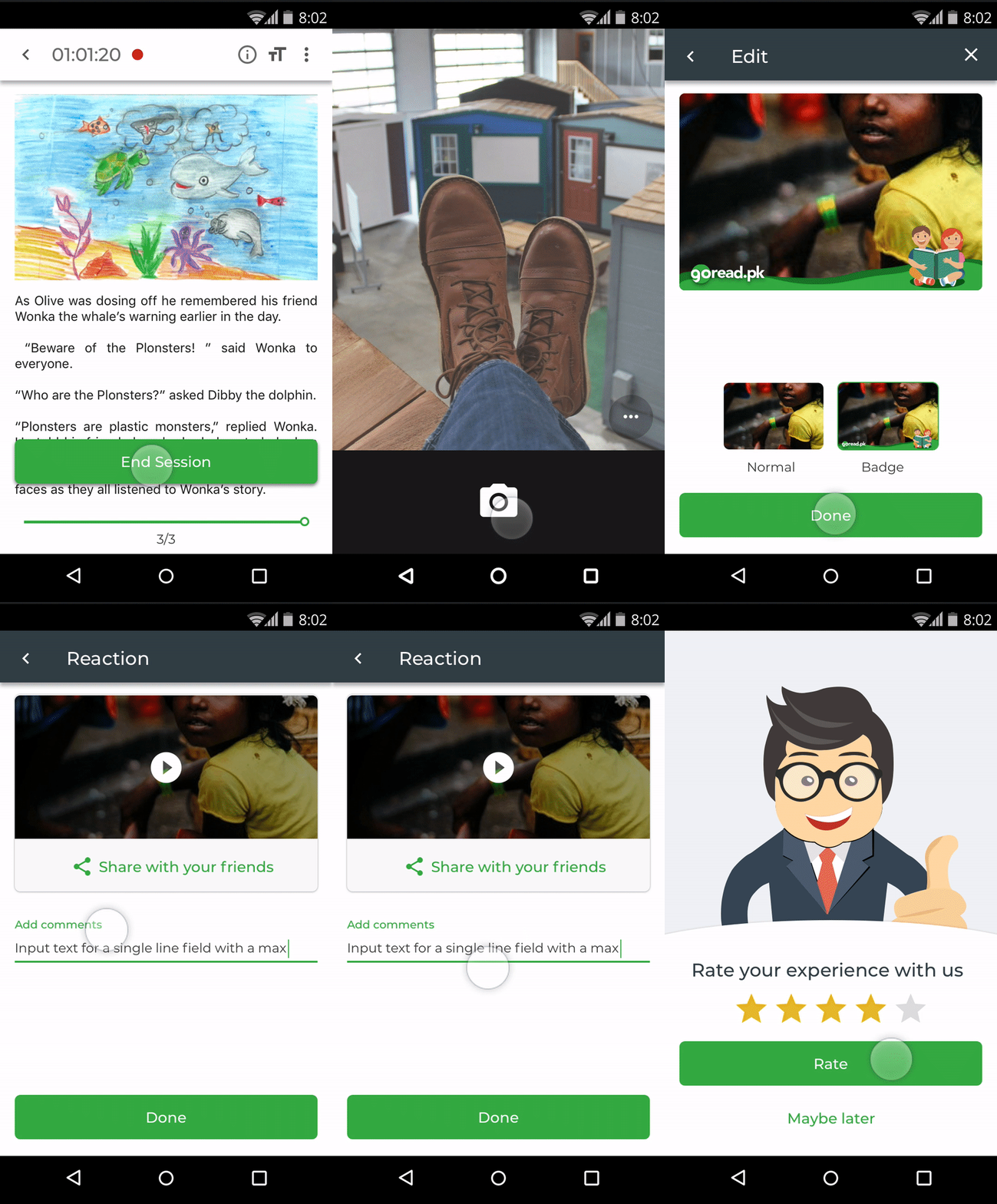
Step 4: at the end of the session
Volunteers are asked to share any notes they have about the session.
With the teachers’ consent, volunteers can also take a picture and share it on social media for further engagement. The social reward may encourage further investment in the cause.
User feedback
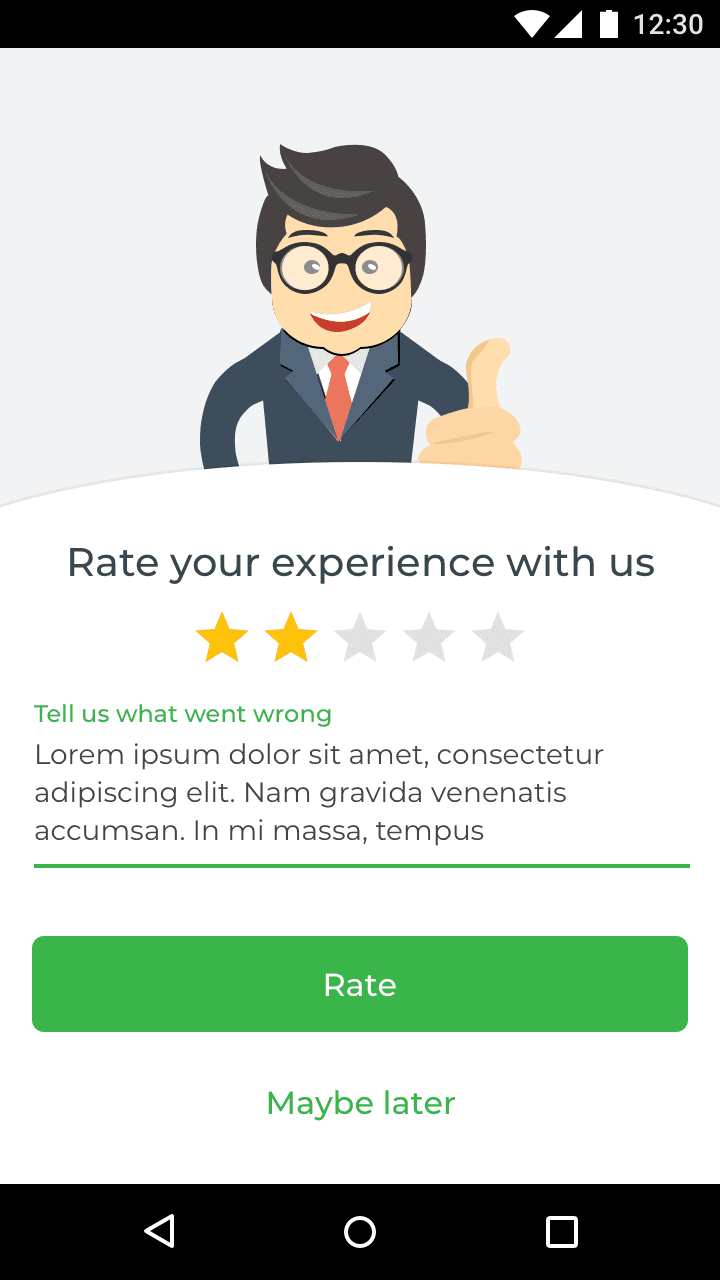
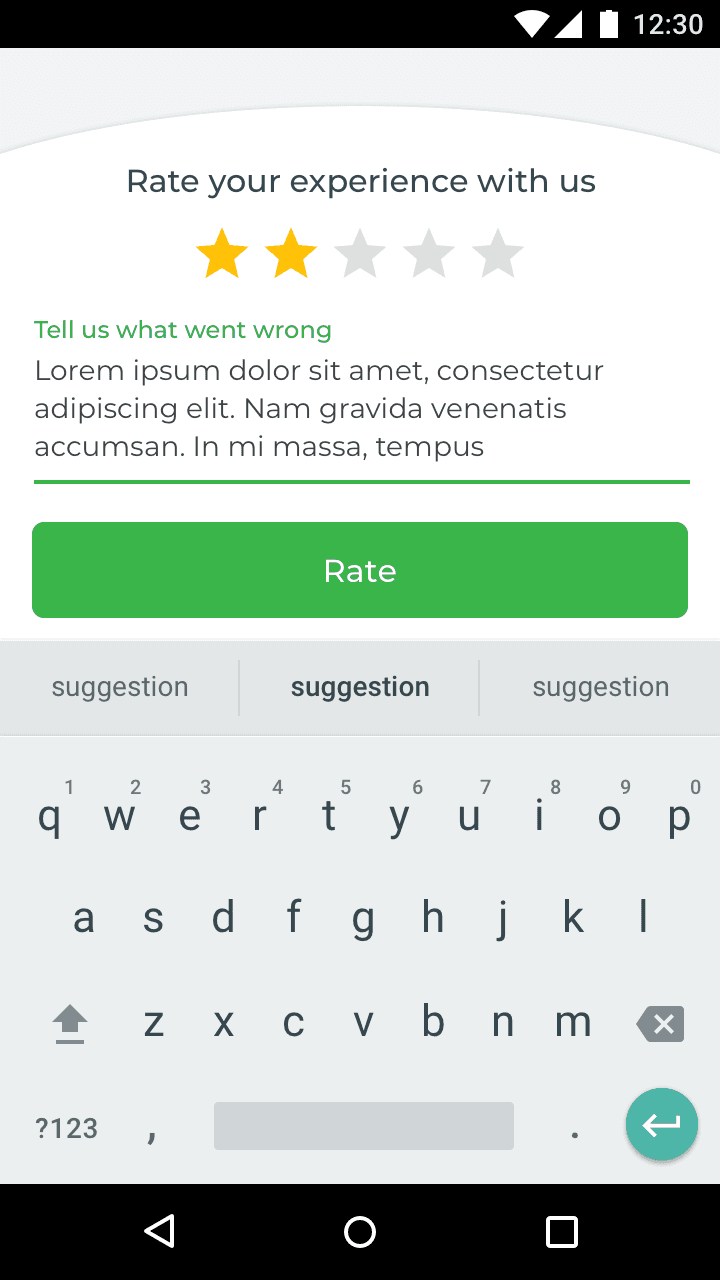
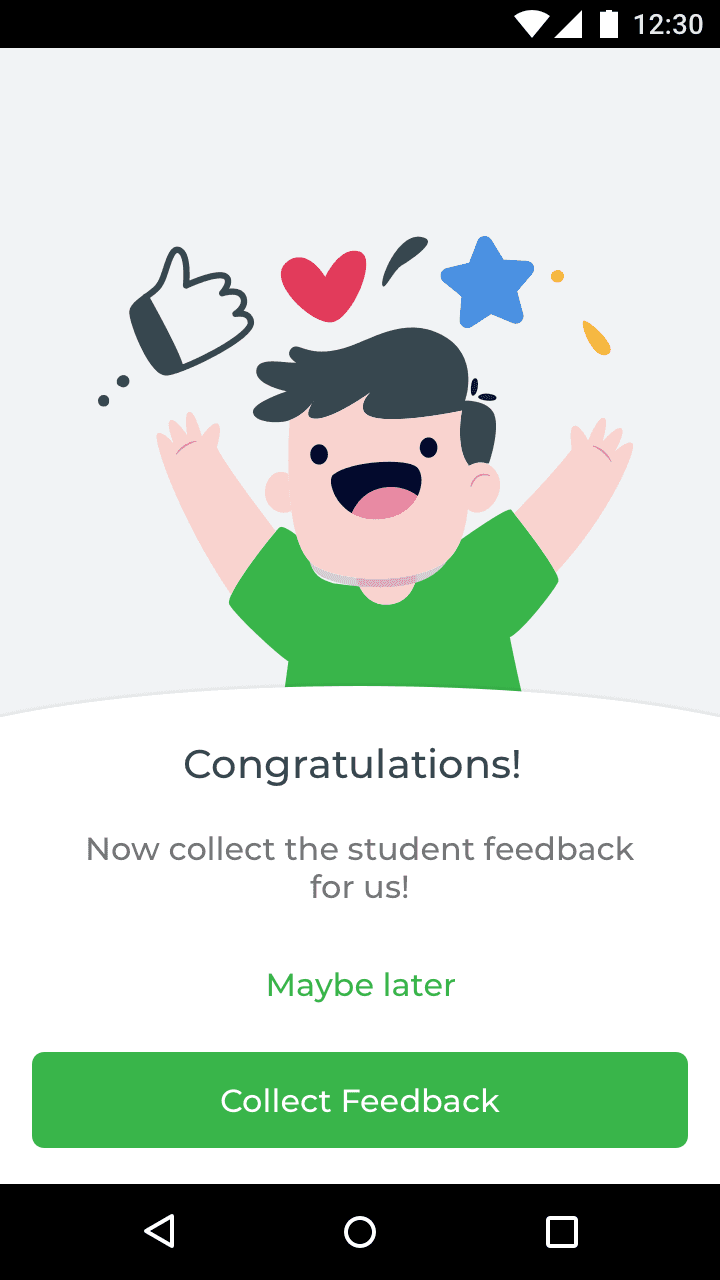
User feedback appears after the end of a session or a task.


Alert screens

Design system
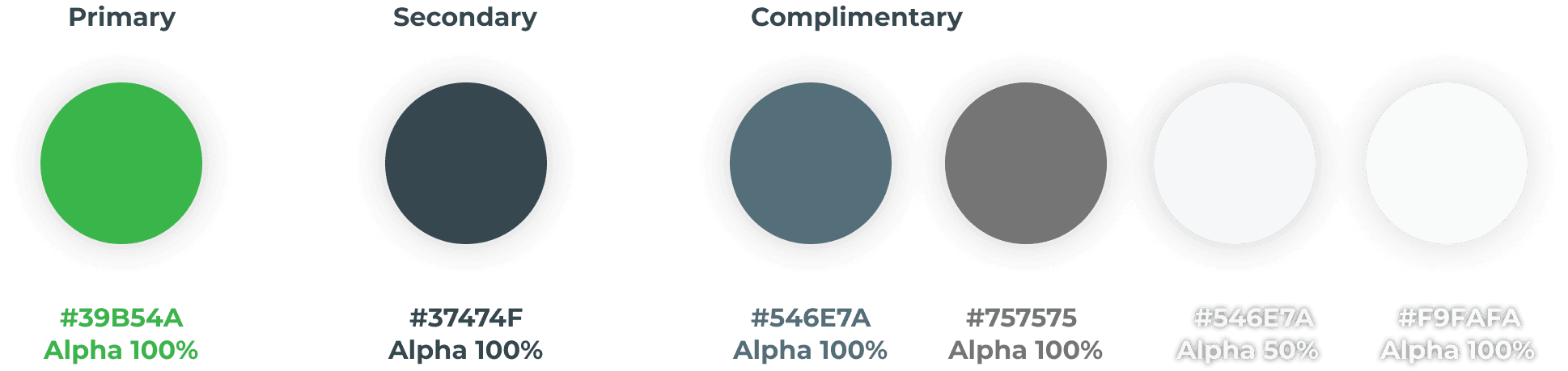
Colours
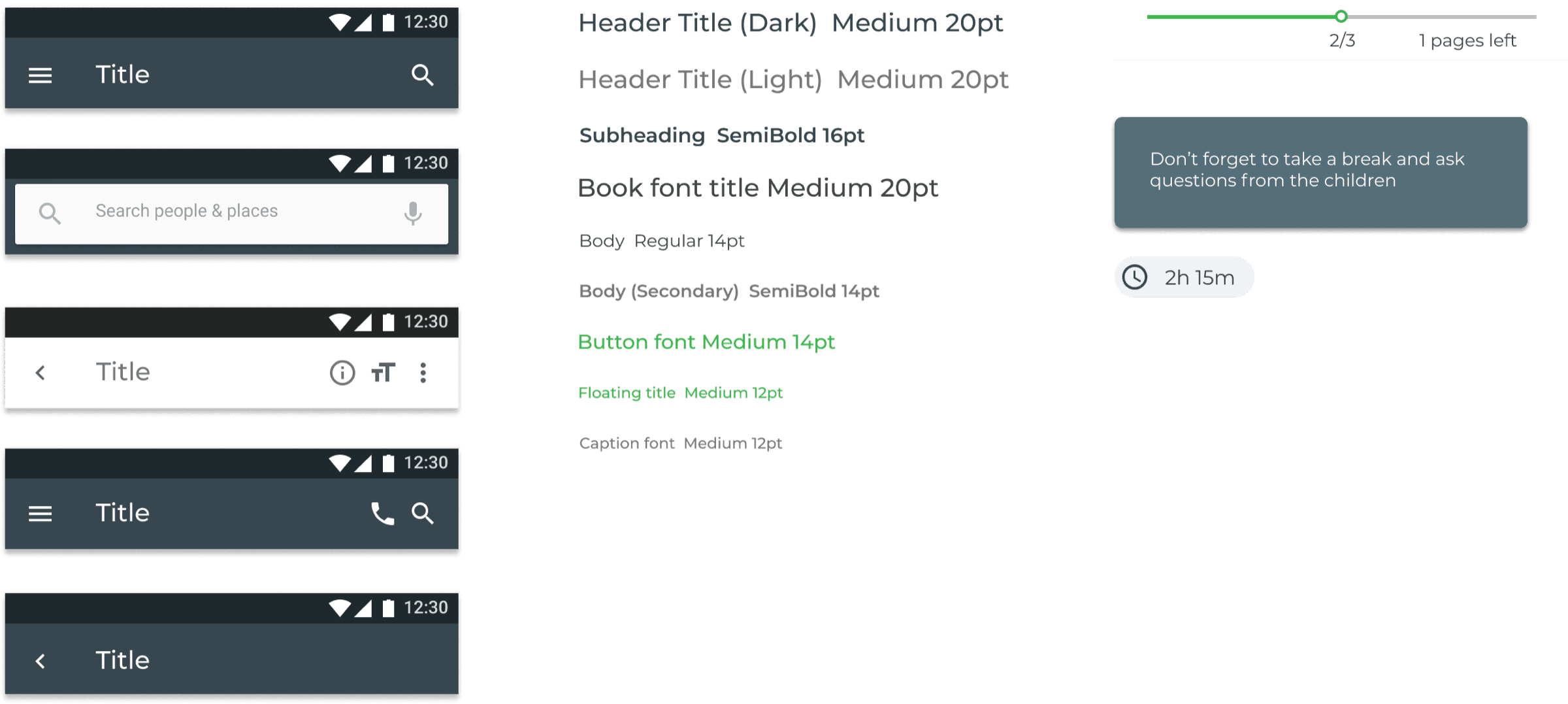
Font family

Components
Outcomes
Takeaways
- – Facilitating a smooth story reading session on a small screen will take multiple design iterations
- – Figure out the constraints and workarounds for managing permissions to record story reading sessions
- – Consider and test a feedback solution that doesn’t involve recorded sessions
- – Introduce a selection and training module for volunteers experienced in communicating with children, to minimise recorded sessions
- – Consider and test a design for tablets
- – Include more interviewees
Next steps
- – Test the prototype with potential users (Nielsen Norman Group suggests 5 participants for a usability test)
- – Iterate on the solution with the product owner and the developer
- – Develop and deploy the MVP